Restaurants, cafés and hidden gems near you, with ratings, photos and menus before you leave the house.


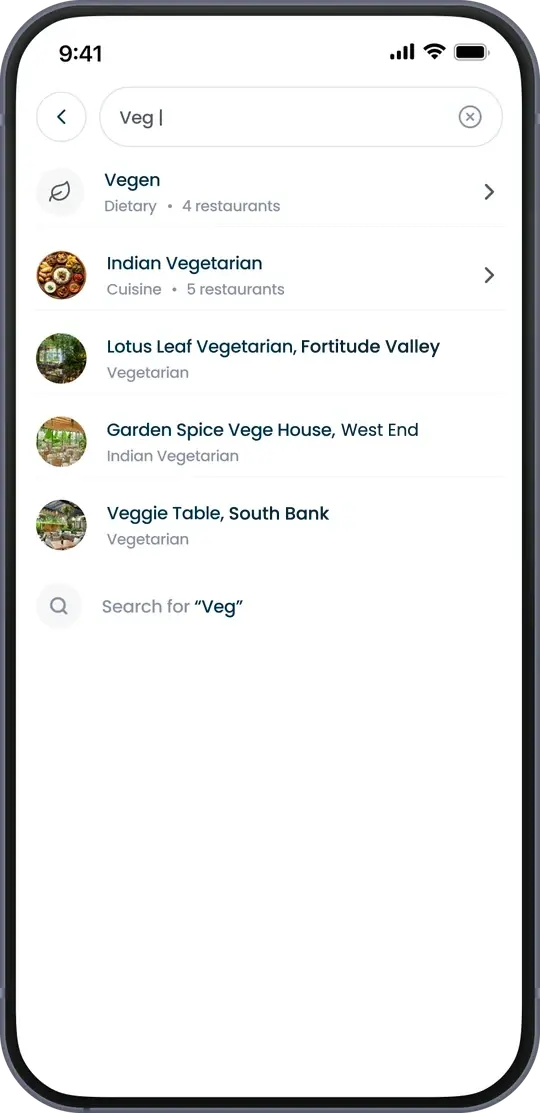
Search, filter and compare before you leave the house.

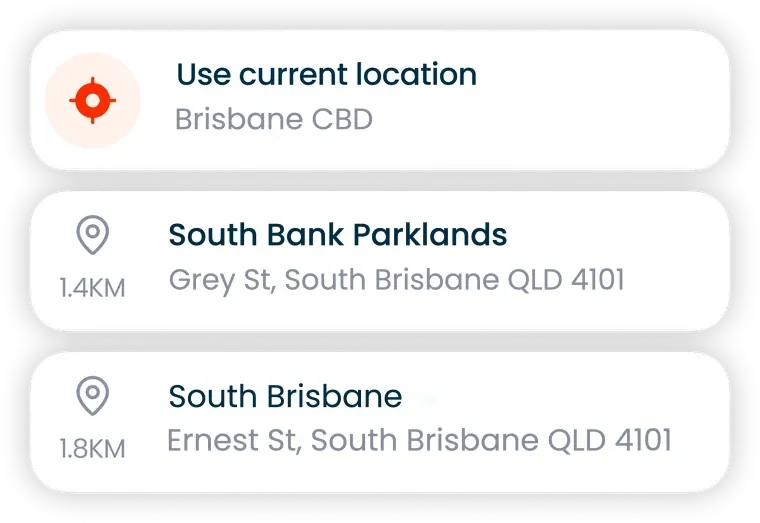

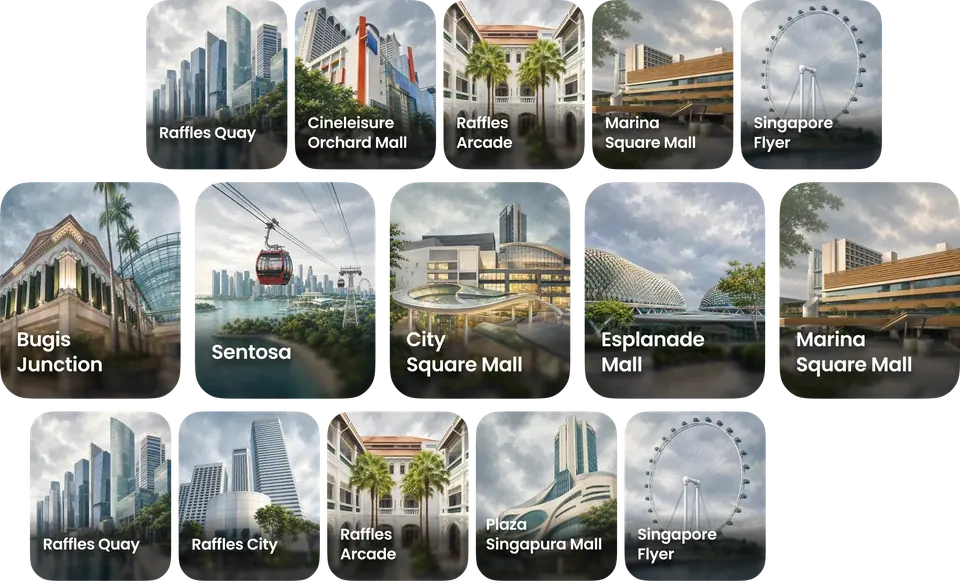

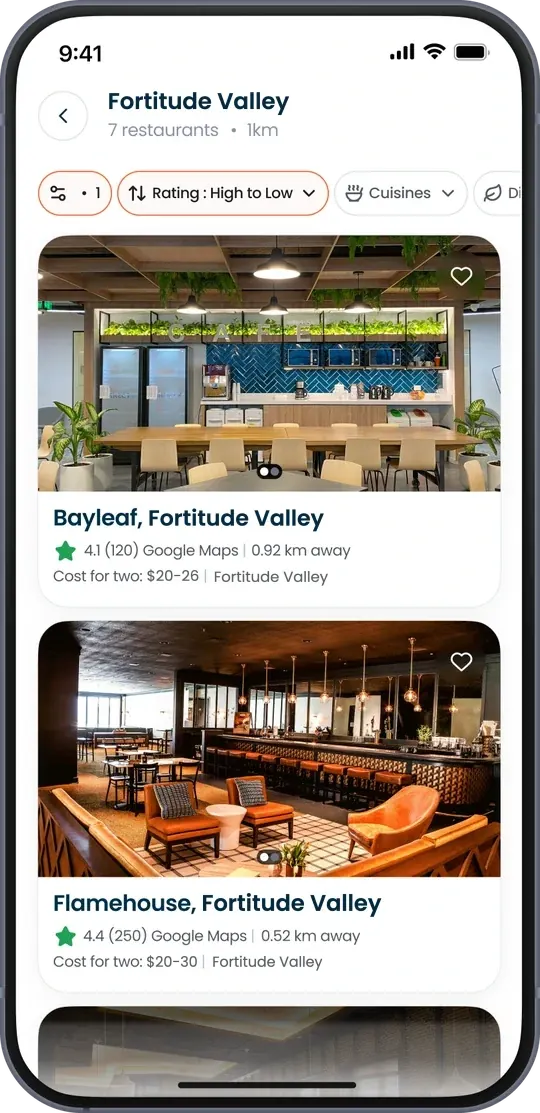
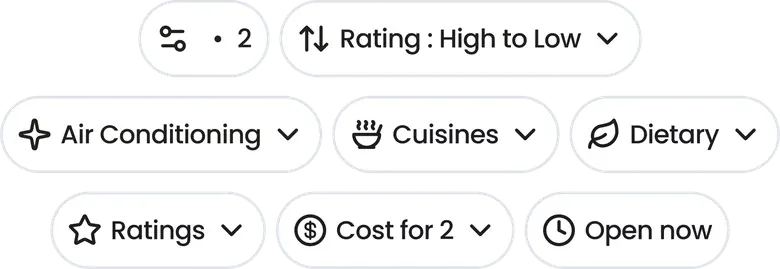


From opening the app to choosing where to dine.


Pick an area, or use where you are now.
What we are building next, from choosing a dish to paying the bill.
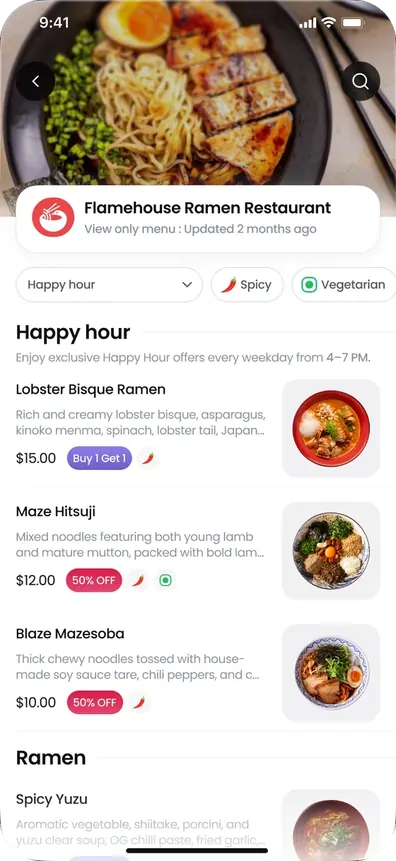
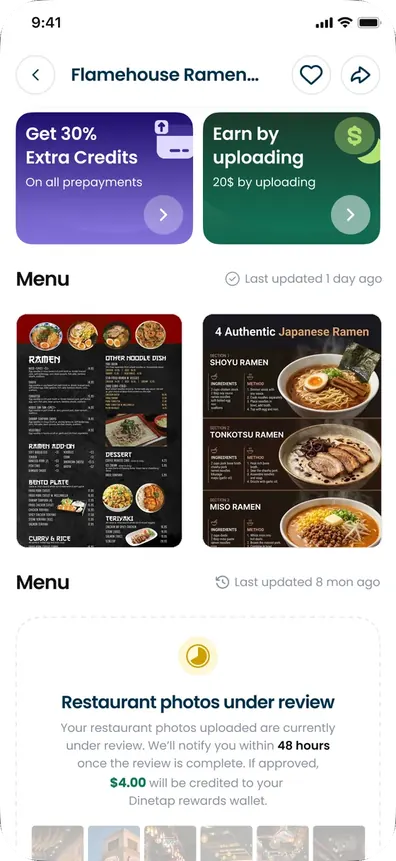
Every dish with photos and prices, filtered by offers, spicy or vegetarian.
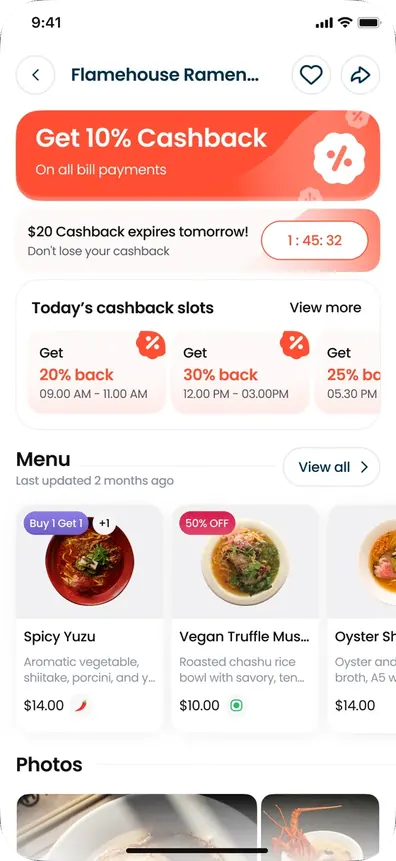
Pay the bill in the app and get cashback at restaurants running an offer.
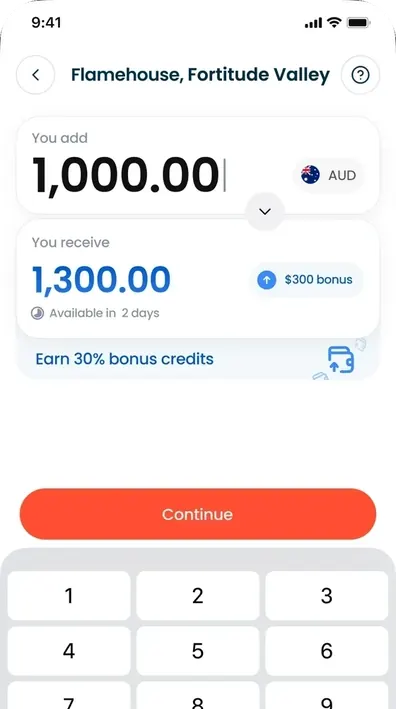
Prepay a restaurant you love and get bonus credits on top.
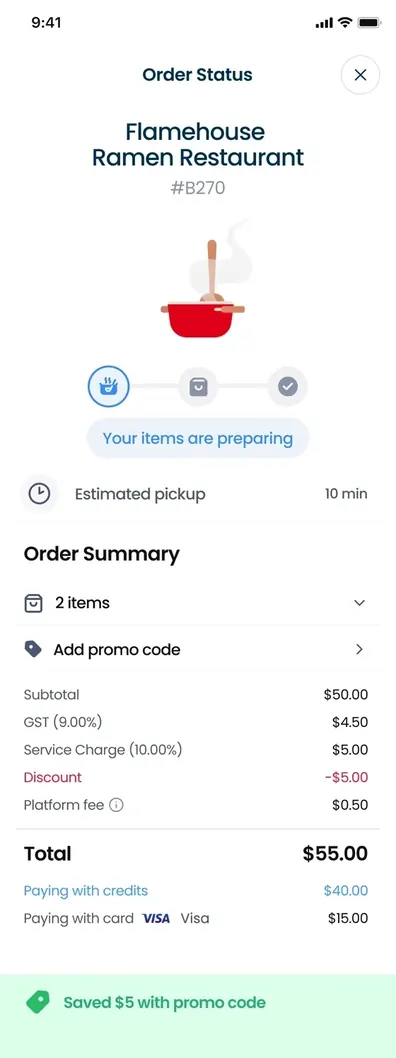
Order in the Dinetap App and follow it from the kitchen to pickup.
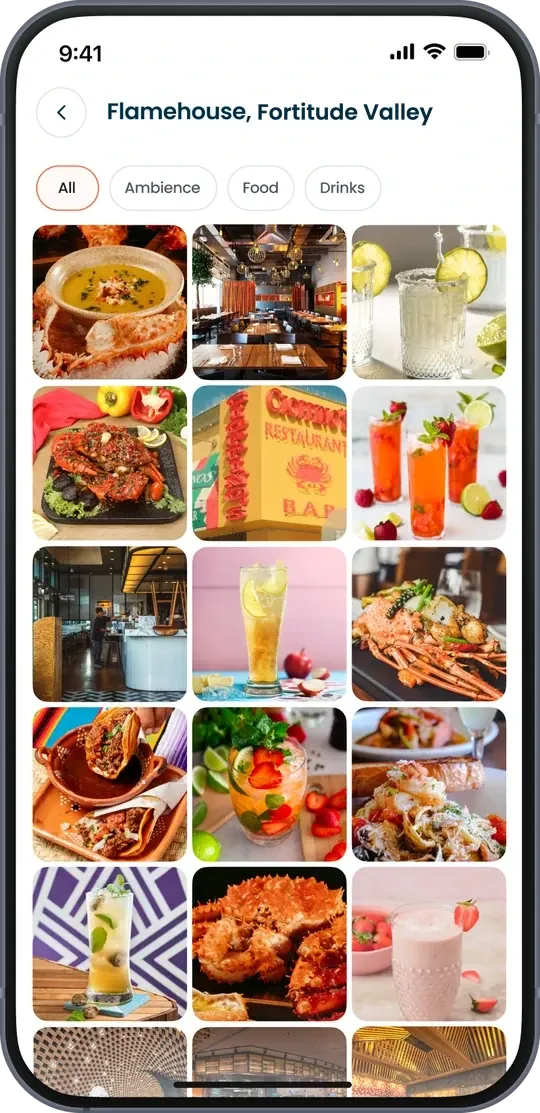
Upload menu and restaurant photos and earn credits once they are approved.
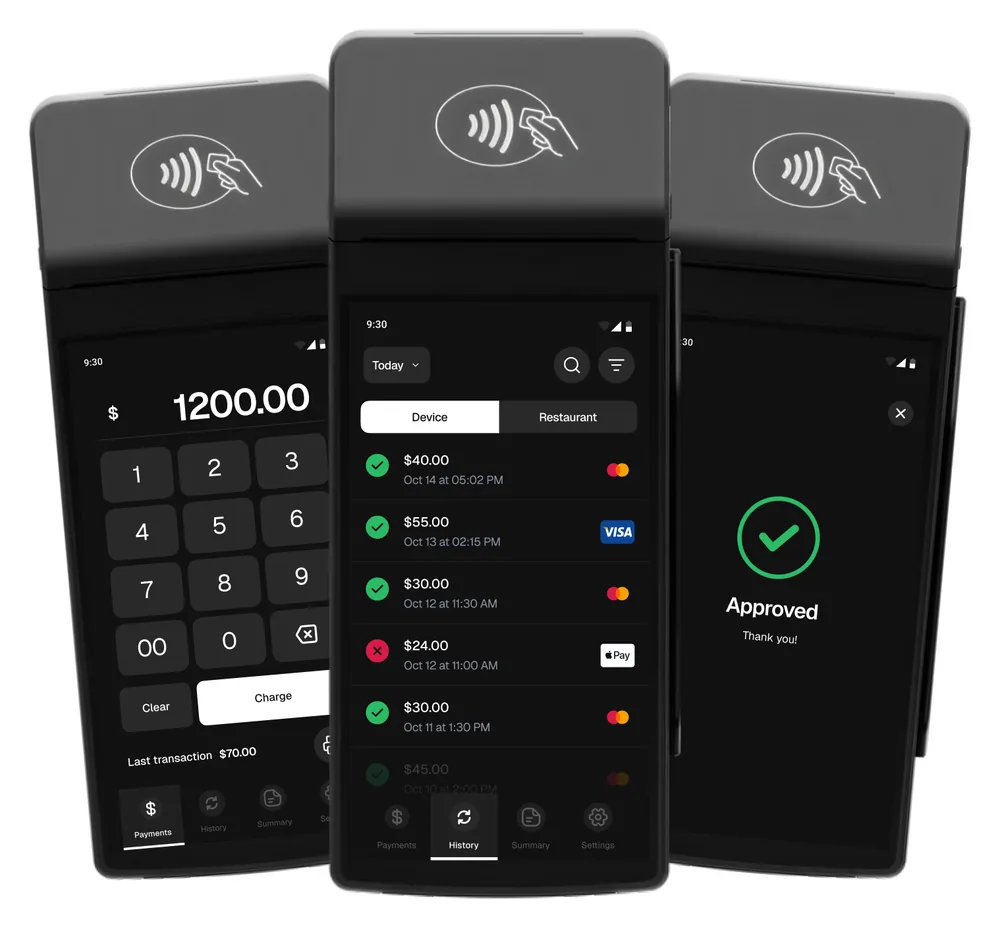
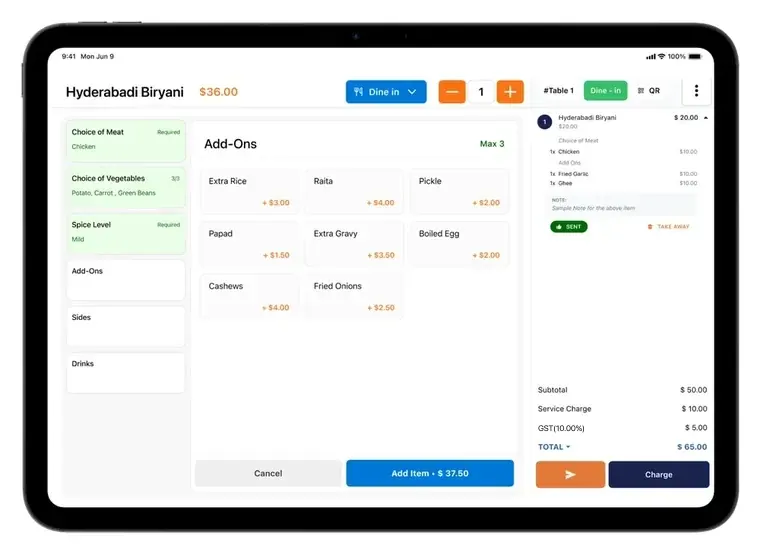
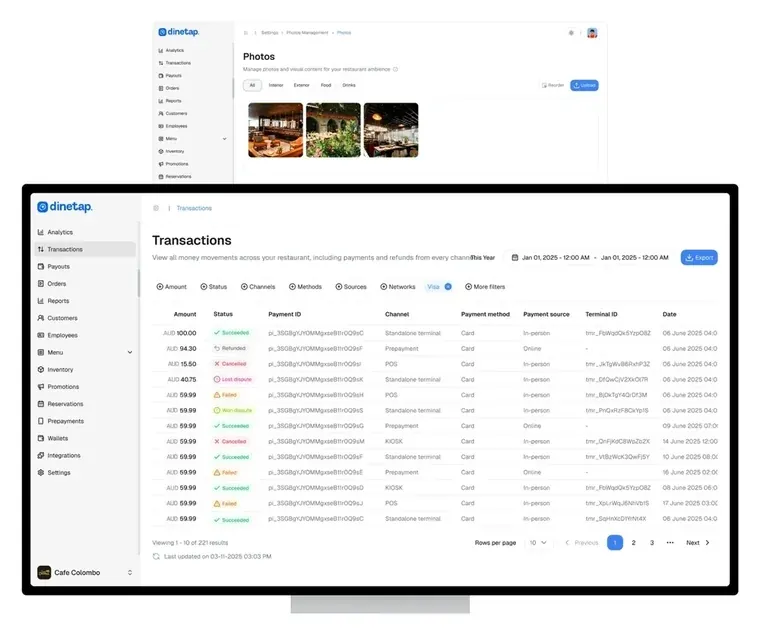
Diners find you in the app. The rest runs your counter.
The six we are asked most. More answers are in the help centre, and there is a person on the other end of the email address if none of them fit.
No. You can browse as a guest and use the app without signing in at all. Signing in is there if you want it.
Nothing. Dinetap is free on the App Store and on Google Play, and it is free to keep using. The paid side of Dinetap is the till and card terminals restaurants run, which is a different product on a different account.
Google. Each listing shows the rating and the number of reviews behind it, so you are comparing the same figures you would see on Google rather than a score we made up. A 4.1 from 120 reviews is shown as exactly that.
iPhones and Android phones. It is the same app on both stores, and free on both.
The Dinetap App lists restaurants in Singapore today, with popular hubs like Marina Bay, Bugis Junction, Changi Airport and Sentosa. Restaurants in Australia appear as they join Dinetap. You can set any area you like rather than being held to the one you are standing in.
No. This one is for diners. Restaurants run Dinetap's POS, card terminals and Back Office, which is a separate system from the same company. If you run an outlet, the section above is the one you want.