
The POS
for Australian restaurants
Take orders, run the menu and charge the bill at the counter, with every sale in the Back Office as it happens.

Everything at the counter
Orders, menus, payments and shifts, on the POS your team uses every service.
Built for a busy service
Fast orders at the counter, the right access for each person, and every sale in your reports.
Tap a dish, pick its options, and it lands on the table's order.




The POS is one of four products
It takes the order. The rest of Dinetap takes it from there.
Questions about the POS
Not here? Message us on WhatsApp and we will get back to you.
Where do my menu, prices and reports live?
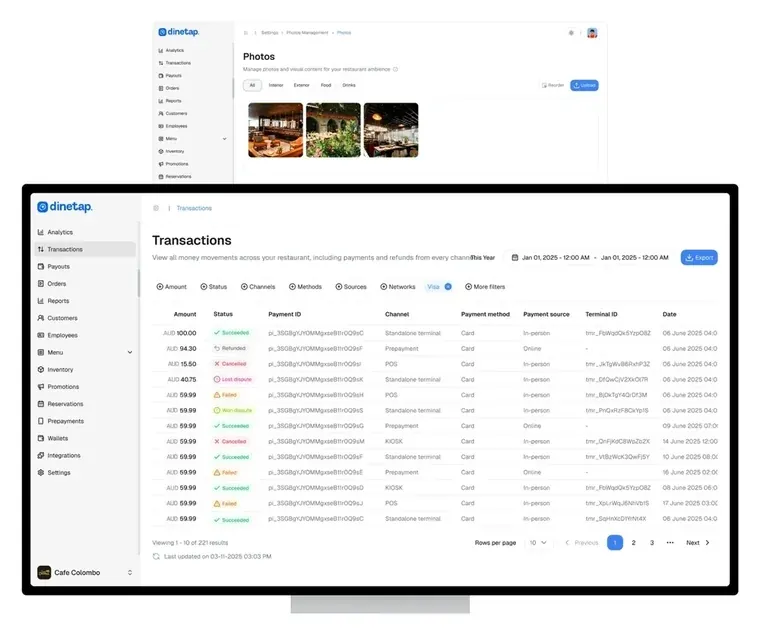
In your Dinetap account rather than on the device. Change something once in the Back Office and every till picks it up, and you can see your sales from any browser.
What does it run on?
An iPad, which you buy separately. The menu, the prices and the settings come from the Back Office, so there is nothing to configure till by till.
Does it take the payment too?
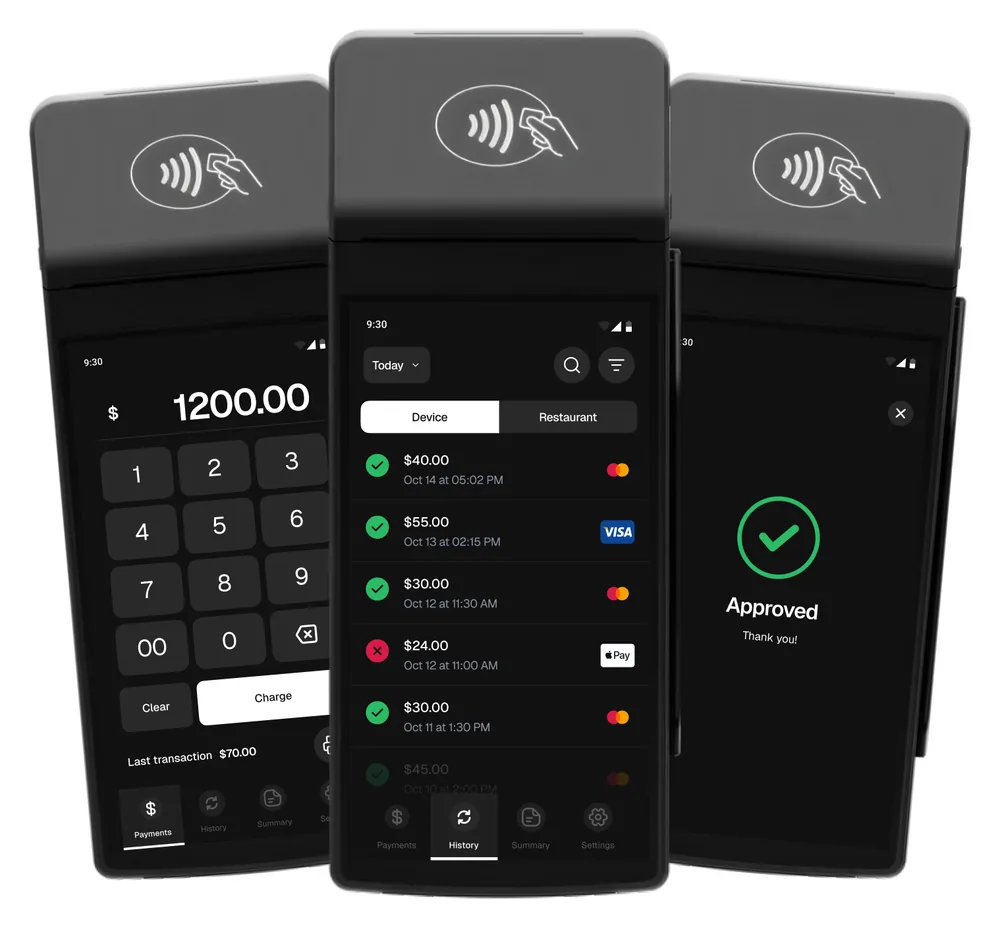
The card payment is taken on the Dinetap card terminal, on the same account as the POS, so every sale from both shows in your Back Office.
Can staff have their own logins?
Yes. Everyone signs in as themselves, and what each person can reach is set centrally rather than shared on one password.
Does it work for more than one outlet?
Yes. Outlets sit under one account, and you can read one at a time or all of them together.