
The Back Office
in one browser tab
Every outlet's takings, menu, tax and staff in one login.

Everything you manage, in one place
Menus, prices, tax and staff, under one login.
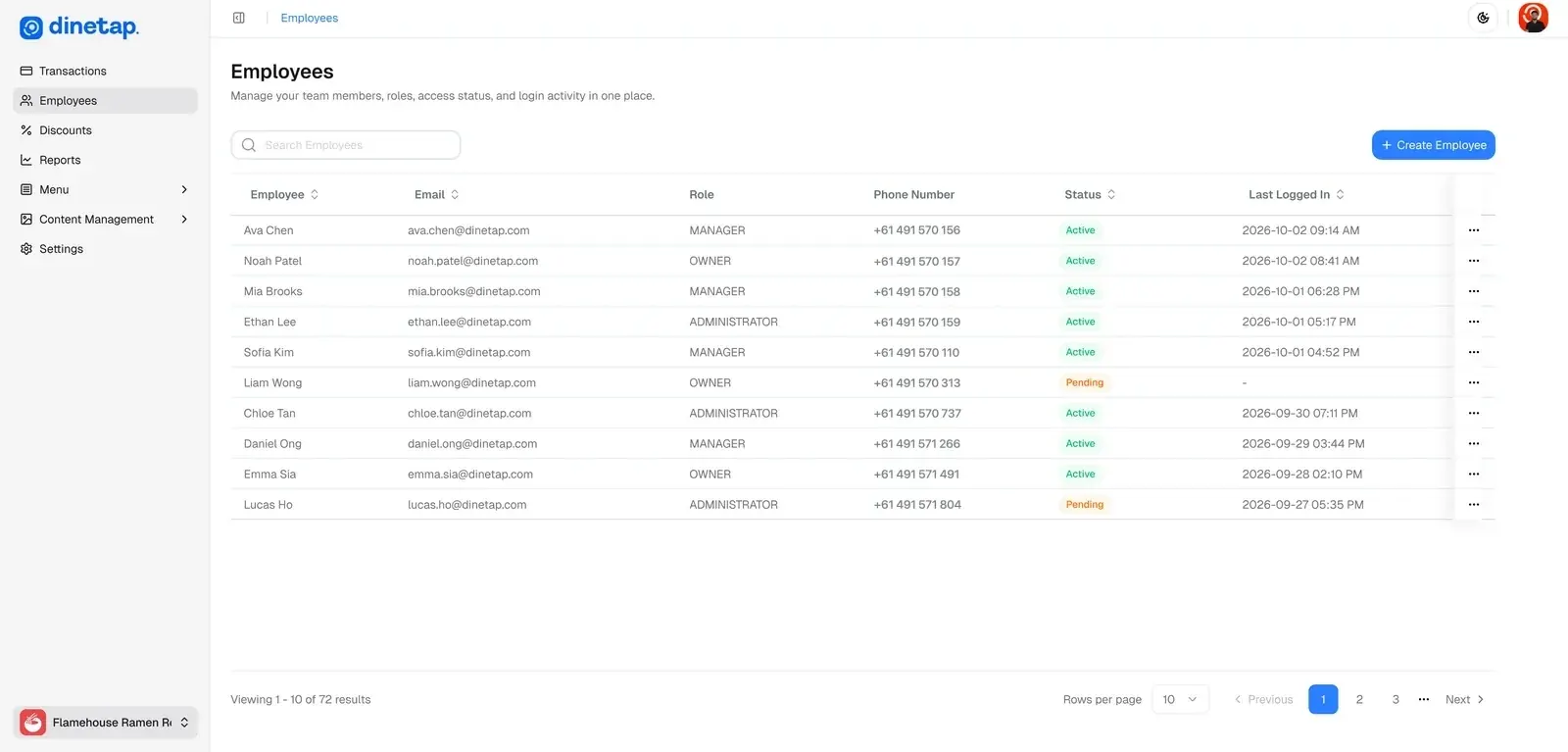
A login for everyone on the team
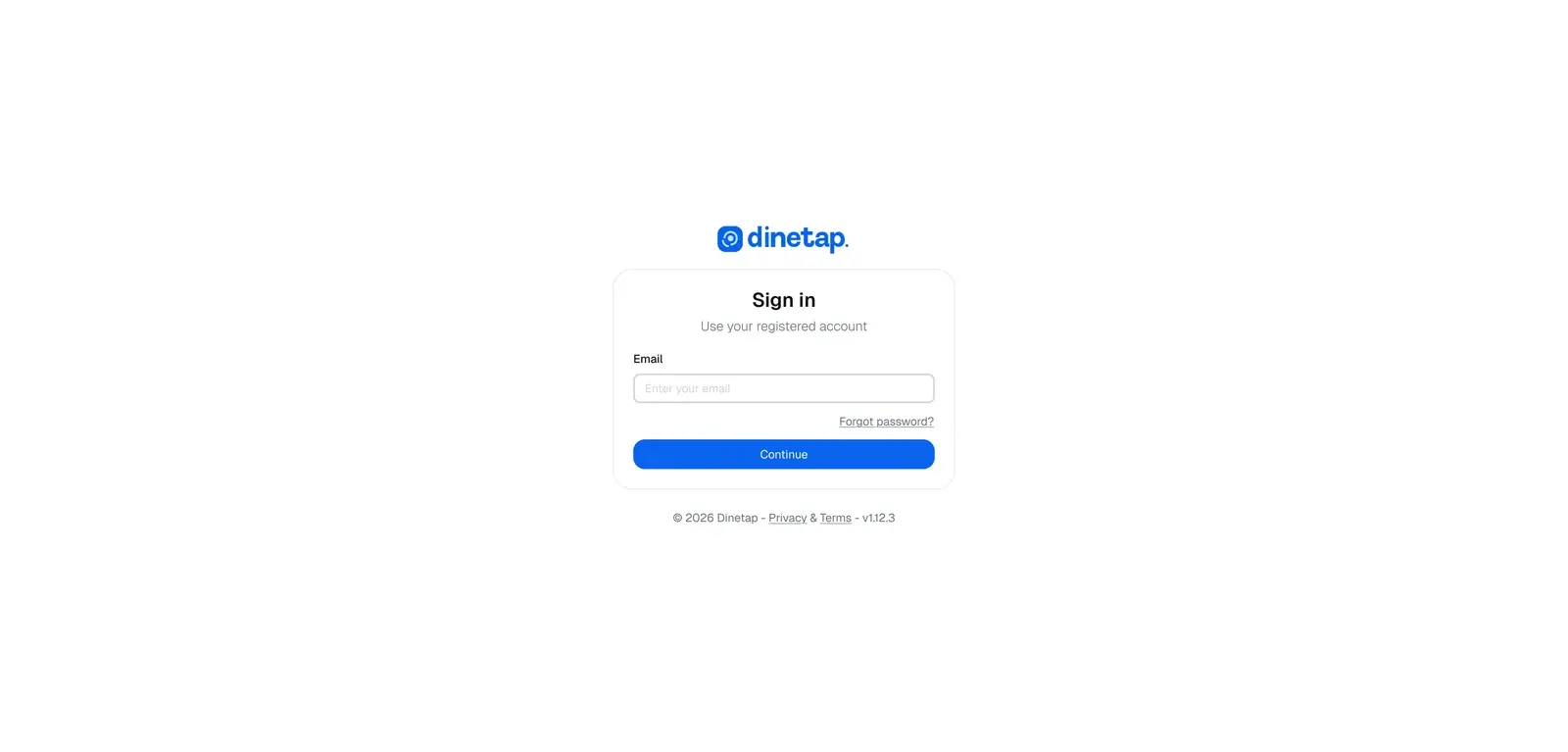
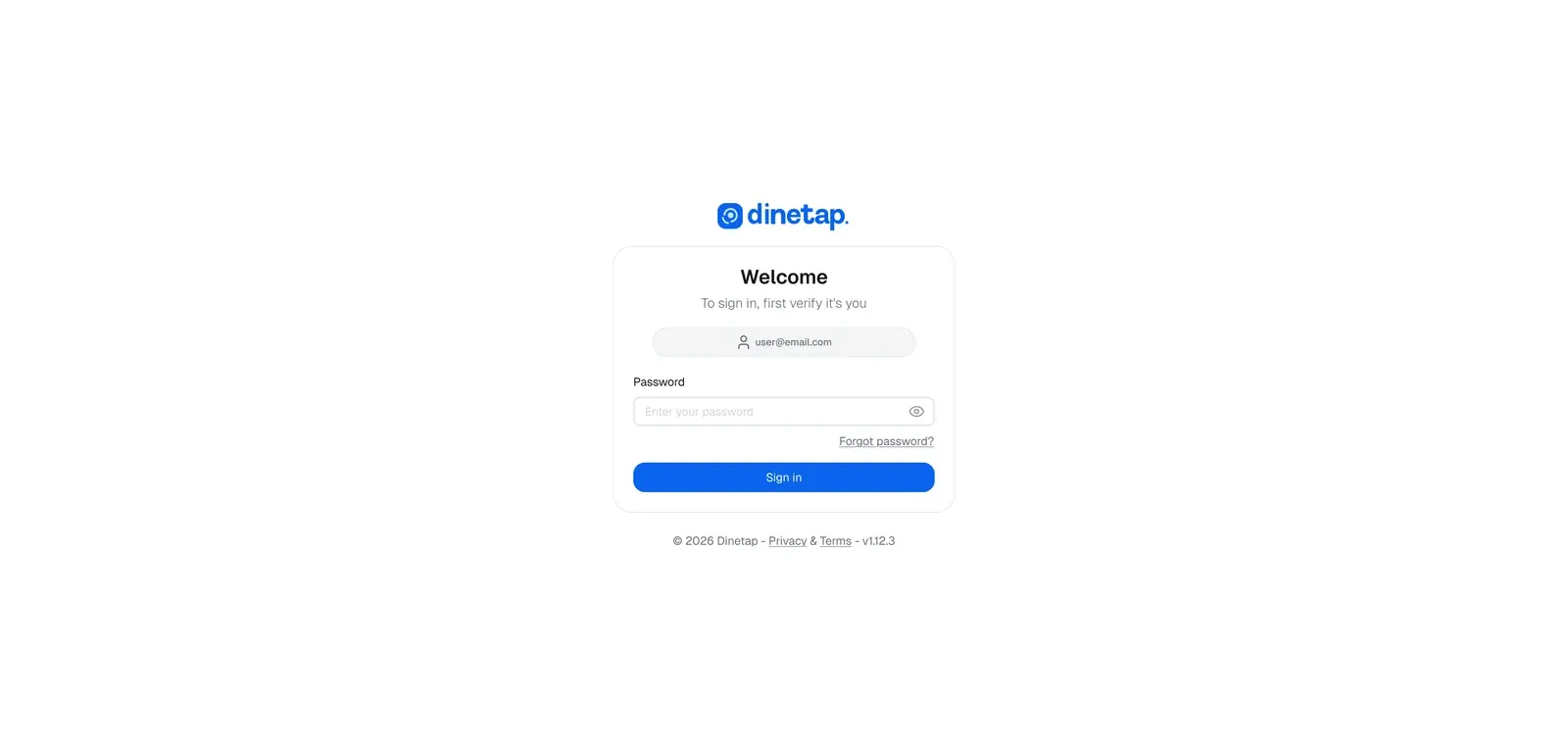
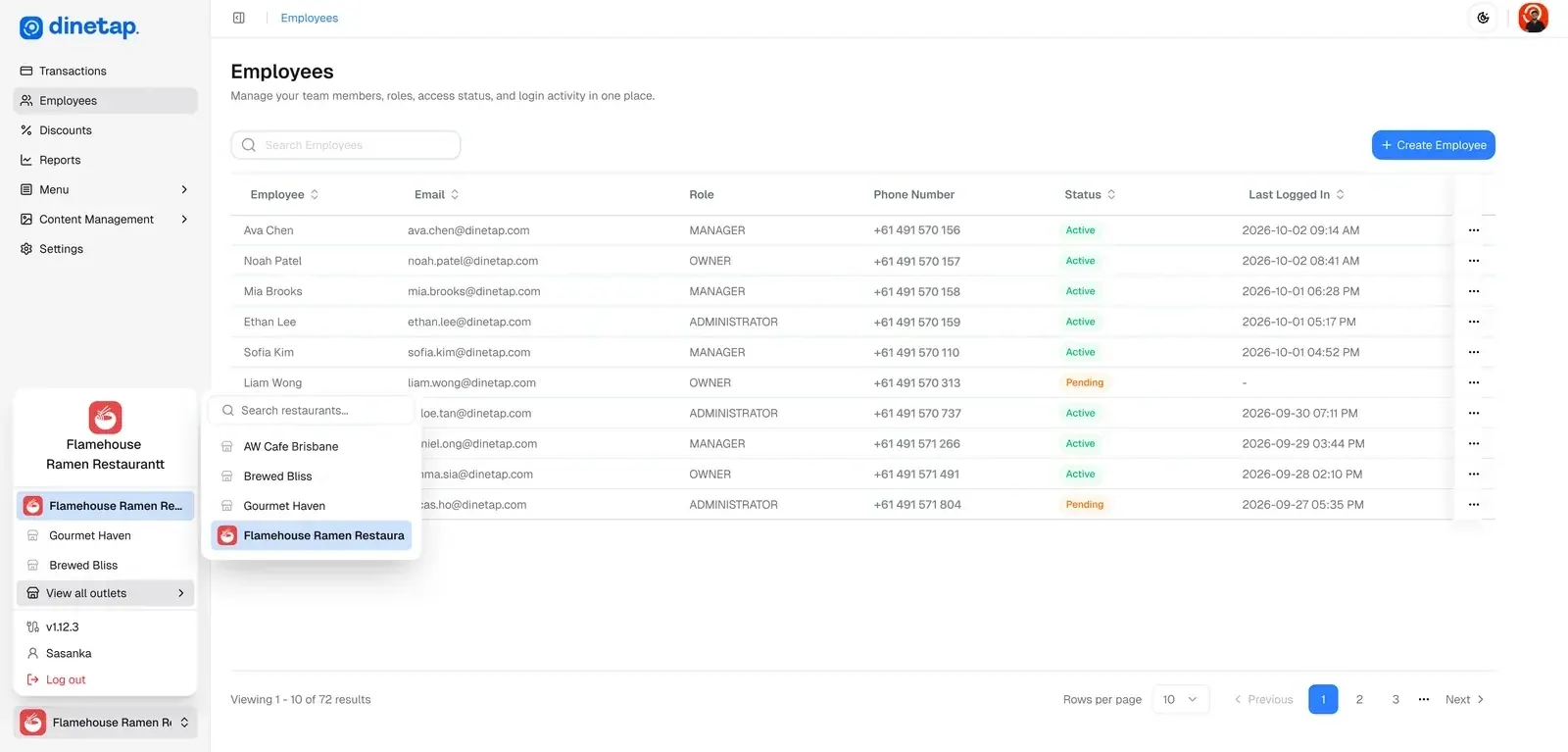
Sign in from any browser, give each person their own login, and switch between outlets.
Open it in a browser and sign in. Nothing to install.

The Back Office is one of four products
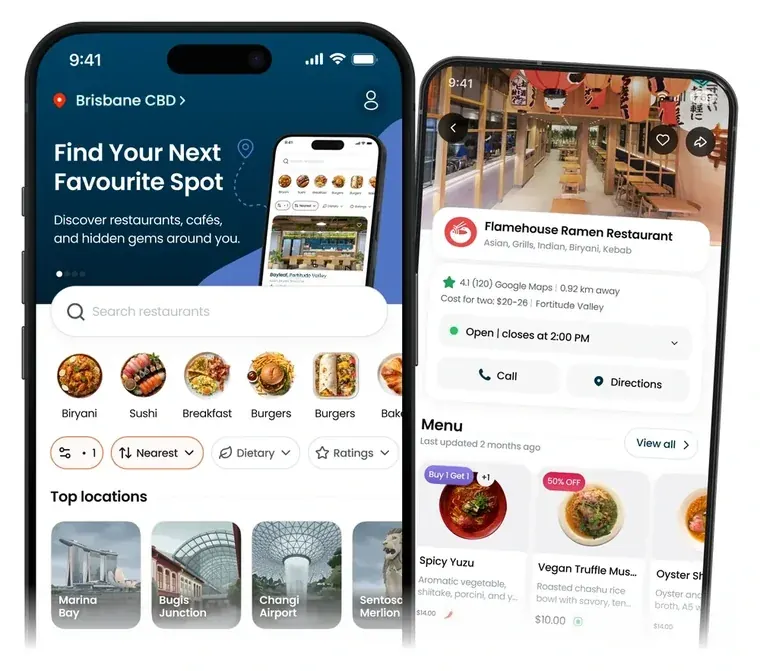
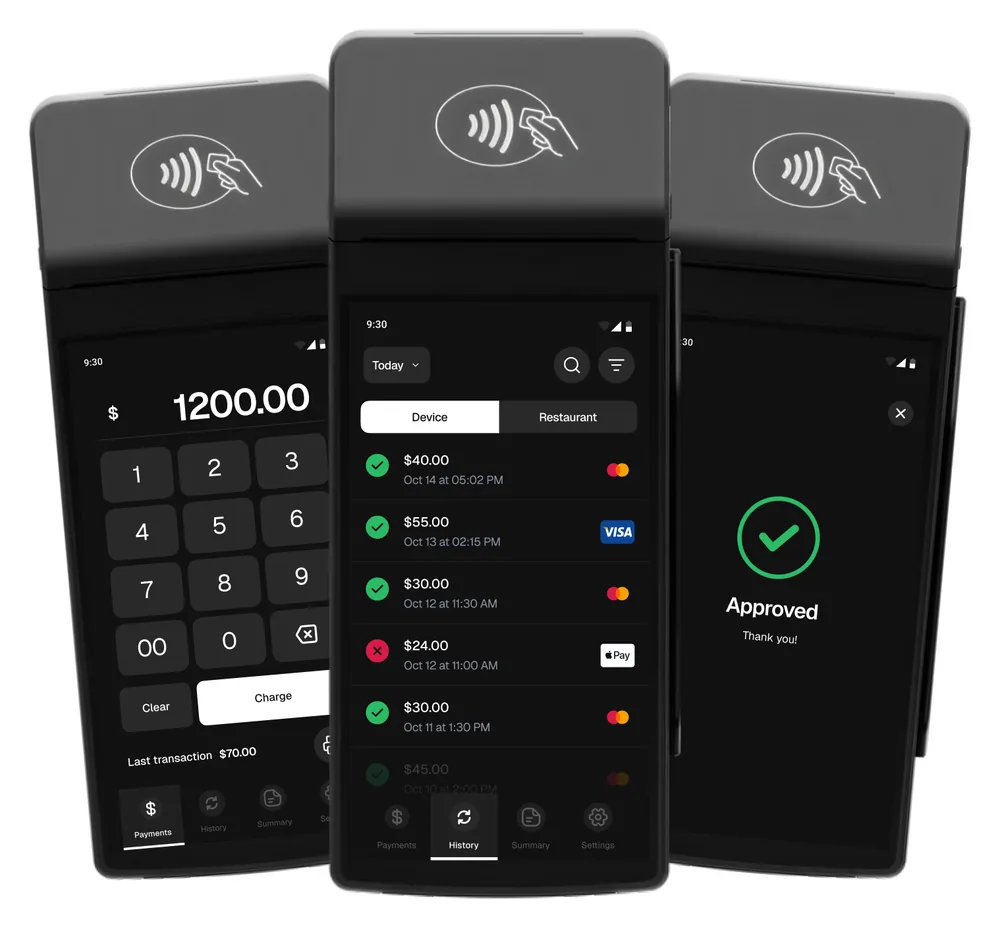
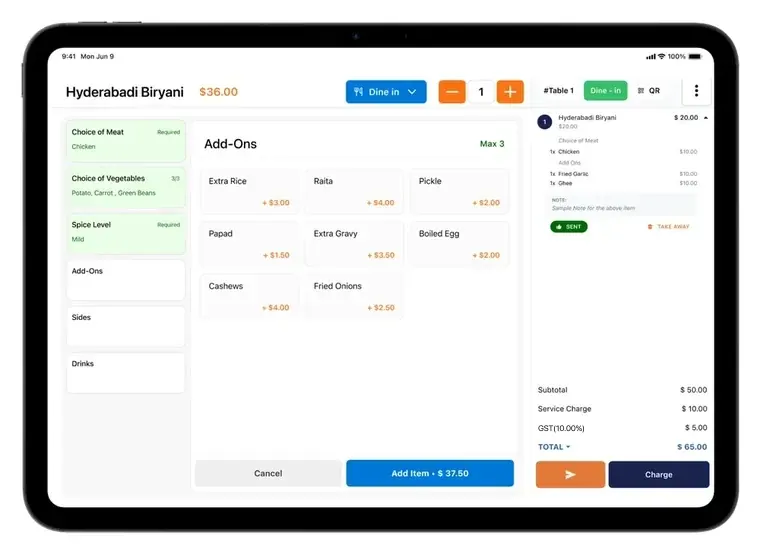
Where you set up the POS, the terminal and your app listing.
Questions about the Back Office
Not here? Message us on WhatsApp and we will get back to you.
What is the Dinetap Back Office?
It is the web app behind the counter, in any current browser on a laptop, a desktop or a tablet. The till takes the orders and the terminal takes the payment; the Back Office is where you read what happened and change what the till does next: the menu, the prices, the tax, the opening hours and the people.
Can I run more than one outlet from one account?
Yes. Outlets live under one account, and you can look at one at a time or read them together. There is no second account to keep in sync and no extra charge for the second location.
What reports do I get?
A sales summary, hourly sales, an order summary, shift reports and receipts, plus every transaction with its status, method and terminal, and payment reconciliation with payouts, refunds and disputes. Takings and refunds show as they happen, not at close.
Can I send a payment link?
Yes. Create, search and update payment links from the Back Office, for a customer who pays outside the outlet.
Is there an assistant for my numbers?
Yes. The Back Office has an AI assistant you can ask about your sales, so you get an answer without building a report.
Can I change the menu and prices?
Yes. Categories, items, prices and modifier groups are all edited here, along with the photos. The till picks the change up, and so does your listing in the Dinetap App.
Can I control what staff can see?
Yes. The account owner invites the team, everyone signs in as themselves, and you decide who gets into the Back Office, so running a shift and reading the group's numbers are not the same permission.