
Take the payment
at the table
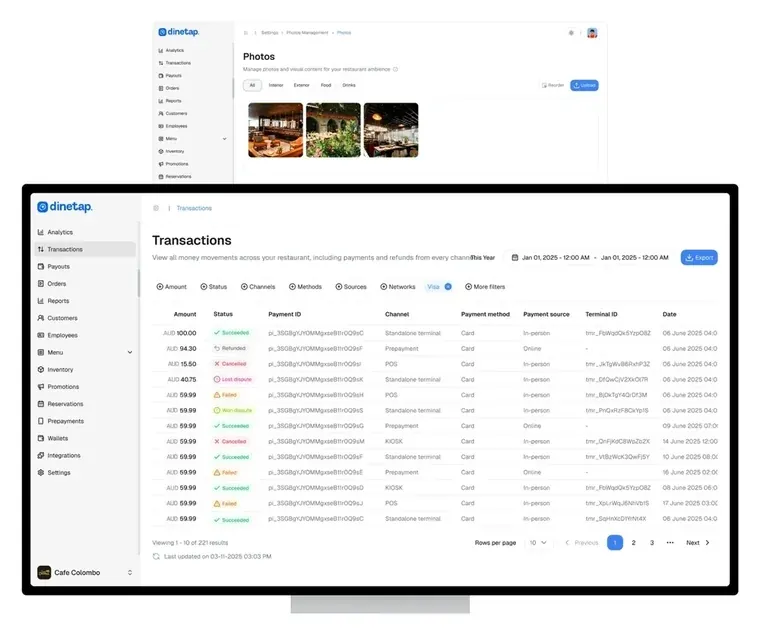
Take the payment on the terminal and see the sale in the Back Office before the diner has left the table.

When you need to check a payment
Open a payment, see all of it
The full record in one tap, with refunds made from the same screen.
The day, added up on the device
Gross, refunds and net by card type, right on the terminal.
What the terminal accepts
Cards, contactless and mobile wallets.






Which schemes and wallets are enabled depends on your merchant agreement. We confirm exactly what is switched on before you go live.
Four moments on the terminal
From ringing it up to seeing it in your numbers.


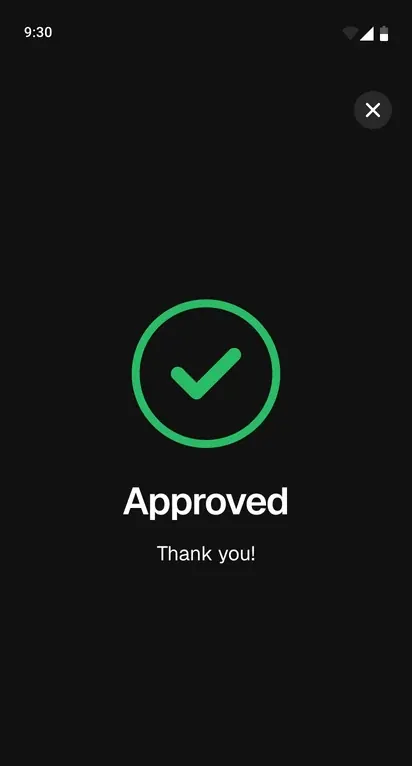


Key in the total on the terminal and tap Charge.
 Dinetap
 Adyen
Take payments online too
on your WooCommerce store
The Dinetap plugin for WooCommerce accepts online payments on your store, powered by Adyen. Online and in-store payments report into the same Dinetap account.
Everything your checkout needs
Fully synced with your Dinetap merchant account, and processed by Adyen.
Payments is one of four products
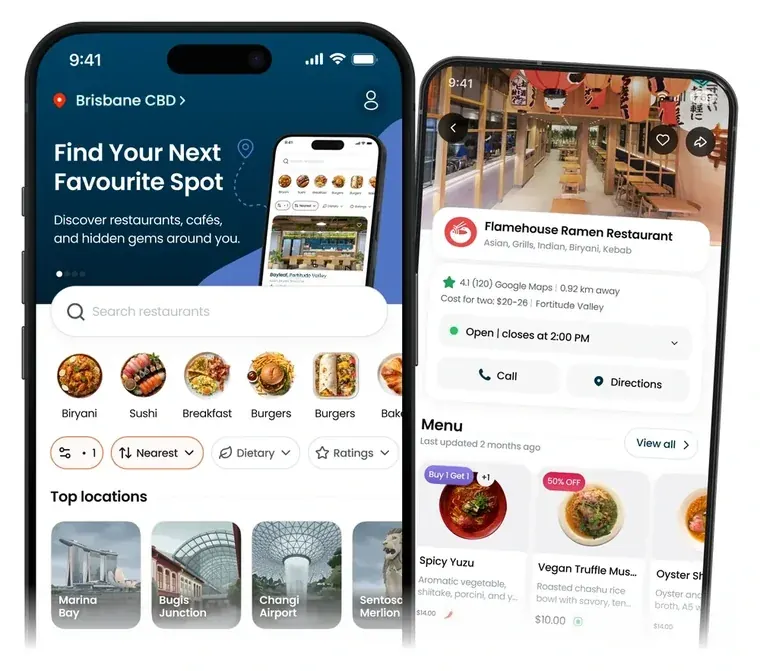
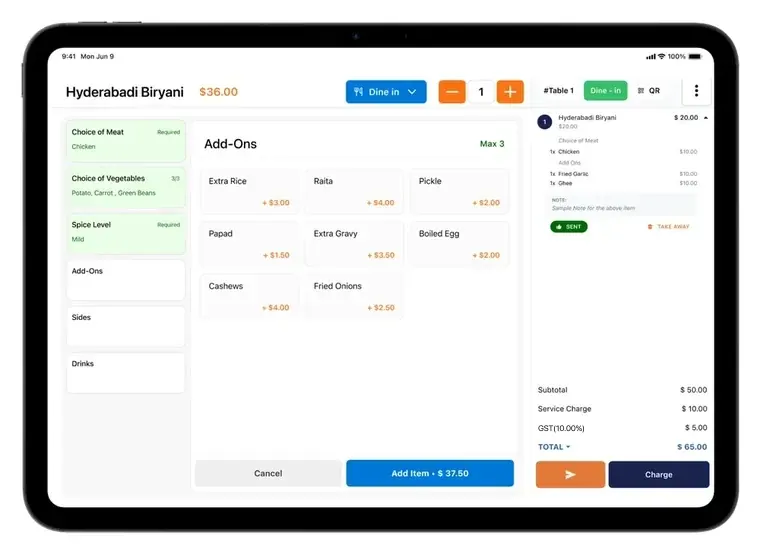
It takes the payment; the Back Office reports it.
Questions about payments
Not here? Message us on WhatsApp and we will get back to you.
What is Dinetap Payments?
It is the app that runs on a Dinetap card terminal. It takes the payment, handles the receipt, keeps the transaction history on the device and sends the sale to your Back Office as it happens.
Is it a separate machine from the POS?
Yes. The POS runs on an iPad and the payment is taken on the card terminal. Both are on the same Dinetap account, so every payment shows in your Back Office as it happens.
Can I refund from the terminal?
Yes. Refunds are made on the device and appear in the transaction history and in your Back Office reporting with the original sale.
Which cards and wallets can I take?
Chip, swipe, tap and mobile wallet payments across local and international debit and credit cards, including eftpos.
Where does the money go?
Into the bank account on your merchant agreement. Next-day payouts are available; terms and conditions apply.
Do I need a Dinetap account for the WooCommerce plugin?
Yes. The plugin connects your store to your Dinetap merchant account, and the payment methods your customers see are the ones enabled on that account. You add the account's Client ID and Client Secret in the plugin settings. If you don't have them yet, request them from our support team at support@dinetap.com.
Is card data stored on my website?
No. Card numbers and security codes are not collected or stored by the plugin or on your server. Payments are processed securely by Adyen through Dinetap. The details are in our privacy policy.